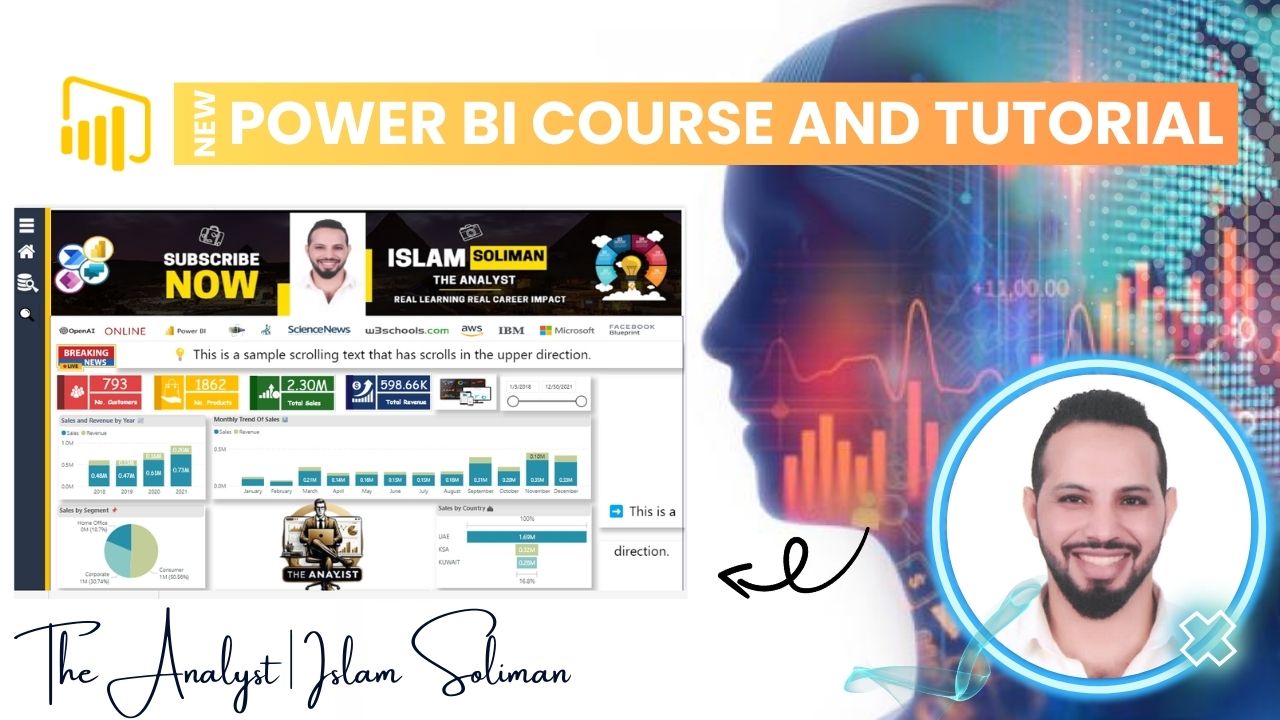
Welcome to the most practical Power BI course you'll ever take! If you're tired of fragmented tutorials and want to see how a real data analysis project comes together from start to finish, you're in the right place.
This isn't just another software tutorial. It's a complete, end-to-end case study designed to simulate the daily workflow of a professional data analyst. Guided by expert instructor Islam Soliman (The Analyst), you will step into the role of a data analyst tasked with solving a real business problem. You won't just learn what buttons to click in Power BI; you'll understand the why behind every step—from cleaning messy, real-world data to building interactive dashboards that drive decisions.
By the end of this immersive experience, you'll have a powerful, professional-grade project to add to your portfolio and the confidence to tackle your own data challenges.
Course Summary
This comprehensive, project-based course takes you on a journey through the entire data analysis lifecycle using Microsoft Power BI. Starting with a business question and a raw dataset, we will work together to:
Connect & Transform: Import data from various sources and use Power Query to clean, shape, and structure it for analysis.
Model & Calculate: Build a robust data model and create powerful DAX (Data Analysis Expressions) measures to uncover key insights.
Visualize & Interact: Design a professional, multi-page interactive dashboard that tells a compelling data story.
Deploy & Share: Publish your final report to the Power BI Service and learn how to share it with stakeholders.
This is your opportunity to move beyond theory and build the practical skills employers are looking for.
Full Course Details (Instructor's Breakdown)
Here is a detailed look at what this intensive project covers, structured as a professional course outline:
Course Title: Full Data Analysis Project using Power BI
Instructor: Islam Soliman (The Analyst)
Format: Hands-on, Project-Based Learning
Level: Intermediate (Requires basic Power BI familiarity)
Core Project: Solving a real-world business problem from scratch.
Module 1: The Analyst's Mindset & Project Setup
Introduction to the Business Case: Understanding the project background, the questions we need to answer, and defining success metrics.
Data Landscape: Overview of the datasets we'll use (e.g., sales, customer, product data) and the story they can tell.
Setting Up for Success: Configuring Power BI Desktop for an efficient workflow.
Module 2: Data Transformation & Shaping (Power Query)
Connecting to Data Sources: Importing data from Excel/CSV files.
The Art of Cleaning Data: Handling missing values, removing duplicates, and fixing data type errors.
Reshaping Data for Analysis: Merging and appending queries, pivoting/unpivoting columns, and creating a clean, star-schema-ready data model.
Applied Steps: Building a reusable data transformation workflow.
Module 3: Building the Data Model
Introduction to Star Schema: Designing fact and dimension tables for optimal performance and accurate calculations.
Creating Relationships: Establishing and managing relationships between tables.
Hierarchies: Creating date and other hierarchies for drill-down analysis.
Module 4: Unleashing Insights with DAX (Data Analysis Expressions)
Calculated Columns vs. Measures: Understanding the critical difference and when to use each.
Core DAX Functions: Mastering CALCULATE, FILTER, ALL, SUMX, and RELATED.
Time Intelligence Calculations: Creating essential measures like Year-to-Date (YTD), Month-over-Month (MoM) growth, and moving averages.
Building Key Metrics: Developing the core KPIs that answer our business questions.
Module 5: Designing the Interactive Dashboard
Visualization Best Practices: Choosing the right chart for the right insight.
Building the Report Layout: Creating a professional, user-friendly, multi-page dashboard.
Interactivity in Action: Implementing slicers, filters, and drill-through pages to make the report dynamic.
Telling a Story: Arranging visuals to guide the user through the data narrative.
Module 6: Publishing & Sharing Insights
Publishing to Power BI Service: Uploading the finished report to the cloud.
Creating Dashboards: Pinning visuals to a cloud dashboard for a high-level overview.
Sharing and Collaboration: Understanding workspace roles and how to share reports securely with colleagues.
Project Conclusion & Next Steps: Reviewing the final output and discussing how to adapt this framework to your own projects.
Why Take This Course?
Build a Portfolio: Walk away with a complete, professional project that showcases your skills.
Learn by Doing: Theory fades, but skills built through practice stick. You'll code alongside the instructor.
Think Like an Analyst: It's not just about the tool; it's about the analytical process and problem-solving mindset.